
Official App
Everything the platform offers — live casino, Fish Games, slots, and Pix withdrawals — now in your pocket. The zzwin vip app was designed for players in Brazil: fast loading even on 4G and real-time promotion notifications.
Features
The app brings everything together in one place. No need to keep switching tabs or opening the browser every time.
Blackjack, baccarat, roulette, and game shows with real dealers. HD streaming optimized for 4G.
Live 24hMore than 20 tables with varied themes. The app's touch controls make Fish Games far more responsive than in the browser.
More than 20 tablesHundreds of titles with progressive jackpots, bonus rounds, and bets starting from R$ 0.10 per line.
+500 titlesDeposits and withdrawals via Pix integrated into the app. QR code opens directly in your phone's banking app with one tap.
24 hours a dayReceive alerts for promotions, reload bonuses, and special events on your phone — even when the app is closed.
Real timeAccess your account with fingerprint or facial recognition. Faster and more secure than typing a password every time.
Android and iOSThe app updates in the background without any manual action required. Always on the latest version with the most recent games.
No interruptionsThe app stores basic resources in cache, reducing loading time between sessions — especially useful on unstable 4G.
FasterRequirements
Direct installation from the official website, no dependency on the Play Store.
Enable "Unknown sources" in settings before installing.
Add to your home screen via Safari — works like a native app.
Open in Safari and tap "Add to Home Screen".

Android Installation
The process takes less than two minutes. Since the APK is distributed directly from the official zzwin vip website — and not through the Play Store — you need to allow installation from external sources just once. It is quick and leaves no permanent changes to your device settings.
Open your phone's browser and go to the Download from zzwin vip. Tap the "Download Android APK" button.
The file is around 45 MB and downloads in a few seconds on 4G. You will see the download complete notification in the top bar.
In Settings > Security > Install unknown apps, enable the permission for your browser. On Samsung, it may be under Settings > Apps > Special access.
Tap the downloaded file, confirm the installation, and wait. The zzwin vip icon appears on your phone screen within seconds.
Open the app, register or log in, deposit via Pix, and start playing. The unknown sources permission can be disabled again after installation.
iOS Installation
On iPhone and iPad, zzwin vip offers installation via Progressive Web App (PWA) — a method that adds the app directly to the iPhone home screen without needing the App Store. The end result is practically identical to a native app: an icon on the screen, opens in full screen, and keeps the session active.
Safari is required to add a PWA to the home screen on iPhone. Other browsers such as Chrome or Firefox do not offer this option on iOS.
Type the address in Safari and wait for the page to load completely. Tap the "Install on iPhone" button if available, or follow the next steps.
In Safari's bottom bar, tap the share icon (square with an arrow pointing up). A list of options will appear.
Scroll the list and tap "Add to Home Screen". Confirm the name and tap "Add" in the top right corner.
The zzwin vip icon appears on your home screen. Tap to open in full-screen mode, just like a native app. Without taking up significant storage space.
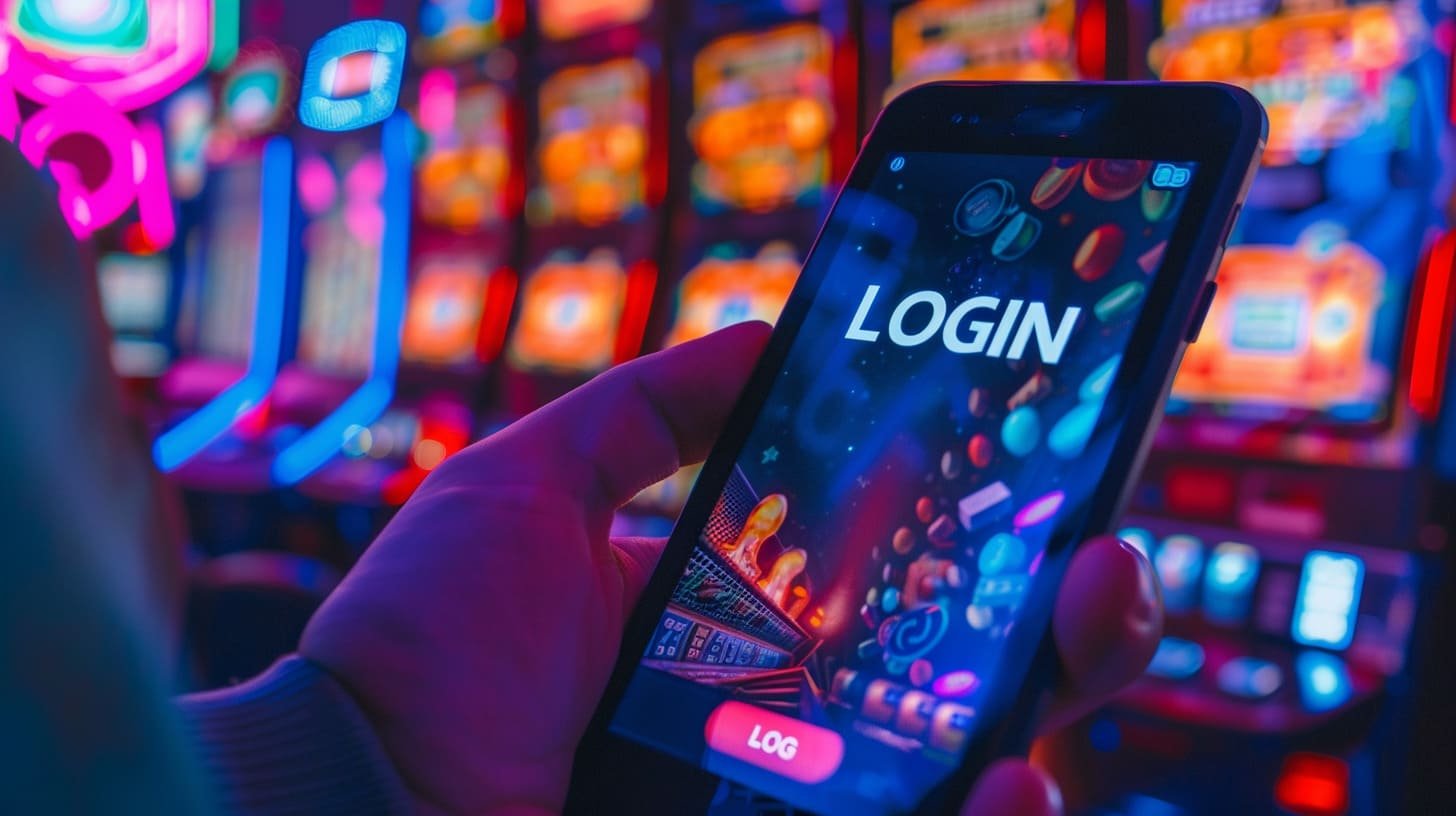
About the App
Since the online casino market started growing significantly in Brazil, the mobile experience has become the central focus of any platform looking to stay relevant. Today, the vast majority of players access platforms via mobile — on public transport, at home on the couch, during lunch breaks. And the quality of the app makes all the difference in that context.
Zzwin vip developed the app with this scenario in mind. It is not a website packaged inside a WebView with an interface that looks like it's running natively but is actually just a disguised browser. The app has optimization layers designed specifically for mobile use: cached resource loading, touch controls adapted for Fish Games, Live Casino streaming with reduced buffering, and direct integration with banking apps to facilitate Pix.
Anyone who has tried playing the Fish Game on zzwin vip through a mobile browser knows it works — but the experience in the app is noticeably different. The aim and shoot controls in the Fish Game rely heavily on touch precision, and the app responds with lower latency than the browser.
In the app, fish animations run more smoothly, touch recognition is more precise, and loading between tables is faster. This is not marketing hype — it is a real technical consequence of the difference between a native application and a website opened in a mobile browser. For players who frequently play Fish Games, the app makes a practical difference to the session.
One legitimate concern for those who want to play live casino on mobile is streaming quality over mobile connections. Live casino requires a continuous video stream — any drop in connection affects the experience.
The zzwin vip app uses an adaptive streaming system that automatically adjusts video quality according to connection speed. On stable 4G, you receive high-definition streaming. On slower connections, quality reduces slightly to keep things running smoothly without freezing. The result is that the Live Casino works acceptably even in areas with less stable 4G — something many competing platforms fail to handle properly.
Baccarat, blackjack, and live roulette tables are available in the app 24 hours a day. You can access the full lobby, view the betting limits for each table before joining, and switch tables without reloading the entire app.
Pix has become the standard payment method for practically everything in Brazil, and it makes perfect sense that it is the primary payment method in the zzwin vip app. The integration is well built: when you initiate a deposit, the QR code appears directly on screen and you can copy the key or open your banking app with a single tap, without needing to leave the zzwin vip app and open the bank manually.
For withdrawals, the process is equally straightforward. You access the financial menu within the app, enter the amount, confirm your identity, and the system processes the Pix in approximately 2 minutes. This process works at 11 PM on a Sunday and on Carnival holiday exactly the same as it does on a Monday at 10 AM — with no difference in processing time for weekends or holidays, which is something many users value greatly.
One of the exclusive advantages of the app over browser access is the ability to receive push notifications. When zzwin vip launches a new promotion, a limited-time reload bonus, or a special Fish Games event, the app notifies you directly on your phone's lock screen — even when the app is closed.
This is especially useful for promotions with a short time window, such as reload bonuses valid only during the first hours after launch. Through the browser, you will only discover the promotion when you actively visit the platform. With the app and push notifications enabled, the information comes to you — not the other way around. To view currently active promotions, visit the Promotions.
The zzwin vip app's security goes through multiple layers. The APK distributed via the site is digitally signed — any modification to the file after signing invalidates the installer. All communications between the app and servers use SSL/TLS encryption, the same standard adopted by banks and fintechs in Brazil.
The biometric authentication available in the app uses the native Android or iOS system — which stores fingerprint and facial recognition data exclusively on the device's own security chip, without transmitting anything to external servers. Your fingerprint never leaves the device. It's the same system you use to unlock your phone or confirm payments at your bank, now applied to logging in to zzwin vip.
A practical note for Android users: after installing the APK, you can disable the "install apps from unknown sources" permission in your system settings with no impact on the already-installed app. This eliminates any concern about accidental installation of other APKs in the future.
The zzwin vip app was developed to perform well across a wide range of devices — not just flagship models. For Android, the minimum requirement is version 6.0, released in 2015, with 2 GB of RAM. For iPhone, iOS 13 is sufficient, compatible with the iPhone 6s and all more recent models.
In practice, this means the vast majority of phones currently in use in Brazil can run the app without issues. Mid-range devices such as the Moto G line handle Fish Games and slots without difficulty. The Live Casino may show minor instability on devices with less than 2 GB of RAM on slow 3G connections, but on 4G performance is good even on more modest phones.
Zzwin vip provides responsible gambling control tools directly within the app. Through the account menu, you can set daily, weekly, or monthly deposit limits, configure session time alerts, and, if needed, request a temporary break or self-exclusion from the platform.
The app makes it easier to access these tools precisely because the goal is for gaming to be a form of entertainment — not a source of stress or debt. If you notice you are spending more than planned or finding it hard to stop, use the available controls and, if necessary, seek specialist support. More information on the Responsible Gaming.
The zzwin vip app is intended exclusively for players aged 18 and over. Play within your limits and responsibly. See the Terms and Conditions for more details.
Comparison
| Feature | Android / iOS App | Browser (Web) |
|---|---|---|
| Push notifications for promotions | Yes | No |
| Biometric login | Yes | No |
| Offline cache (fast loading) | Yes | Partial |
| Fish Games optimized for touch | Maximum performance | Good |
| Live casino streaming on 4G | Optimized adaptive | Works |
| 1-tap Pix Integration | Yes | Copy and paste |
| Icon on the home screen | Yes | PWA only |
| Silent automatic update | Yes | Always up to date |
| Requires installation | Yes (fast) | No |
| Support for all games | Yes | Yes |
For the most complete experience, we recommend the app. The browser is a good alternative for those who prefer not to install anything.

Inside the App
Some features of the zzwin vip app only become apparent once you start using it. These are UX details that improve the experience without drawing attention to themselves.
Live Casino, Fish Games, Slots, and Promotions are in separate tabs in the app. You find what you want without scrolling through an endless list of games.
Every bet, deposit, and withdrawal is recorded in the account history. You can see exactly how much you wagered on each game and when — useful for spending control.
The zzwin vip support chat is accessible directly through the app. You do not need to open a browser or look for an email to resolve issues — everything is handled within the app itself.
The app follows the system dark theme — which makes sense for a platform with a dark visual identity like zzwin vip. Less tiring for long sessions and more efficient on OLED screens.
For greater account security, the app supports two-factor verification. Even if someone discovers your password, they cannot access your account without the secondary confirmation.
Frequently Asked Questions
Download Now
Less than 2 minutes to install. Live Casino, Fish Games, and Pix on your phone — Android or iPhone, free.
For users 18 and over only. Play responsibly. Subject to Terms and Conditions.